Sell your shelf
Your products, in his routine
Only the ones that suit his hair, with the price and a button to reserve.
Reuzel Matte Pomade€18.50
Dry hair · a pea-sized amountReserve at the shopFor barbers and hairdressers · lookbooks and simulations
Preview the haircut before you make it. Then send your client a lookbook with the finished cut, the products you sell and a button to book again.
5 free simulations, no card. Reads are always free.
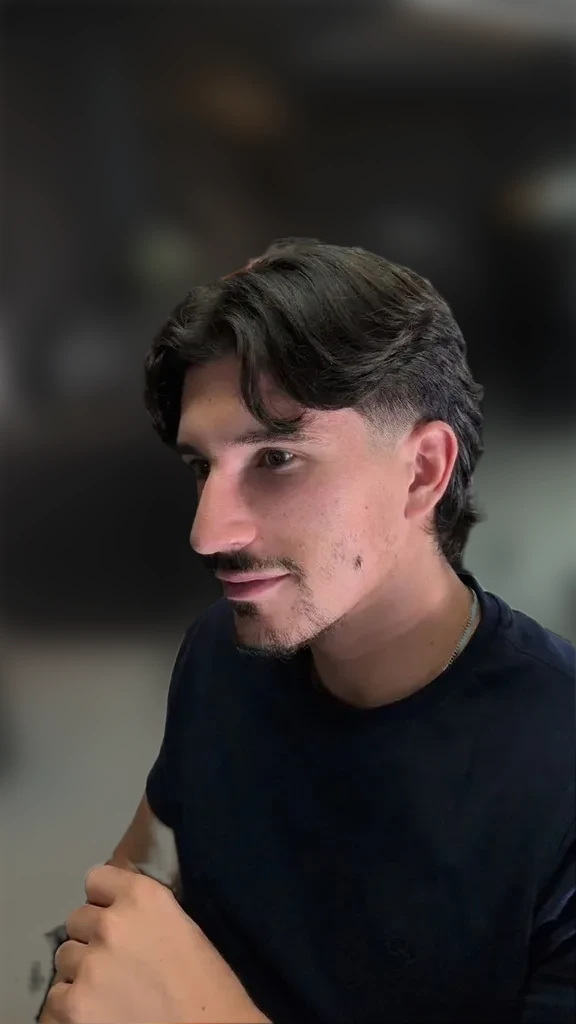 Simulation
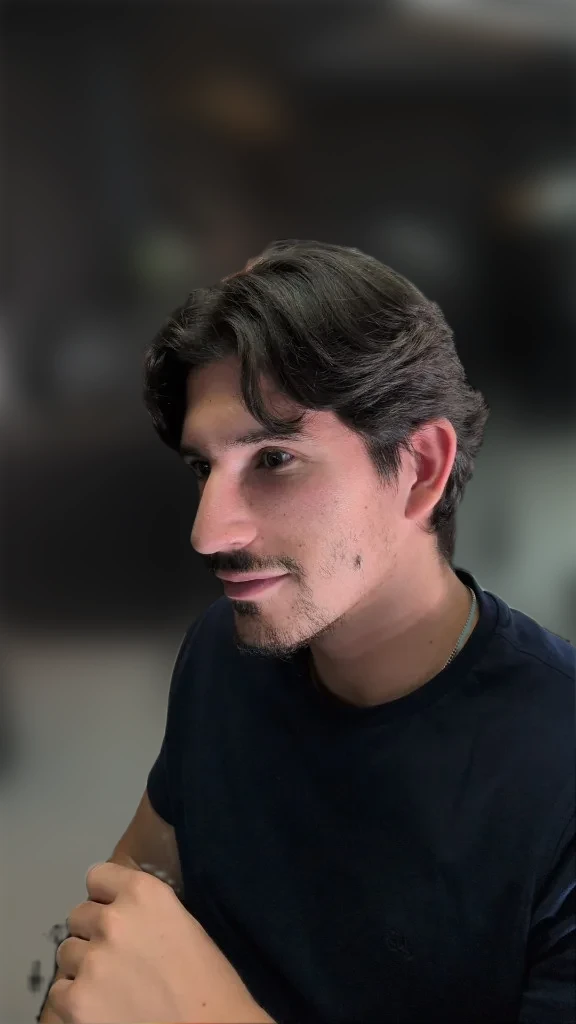 BeforeBeforeSimulation
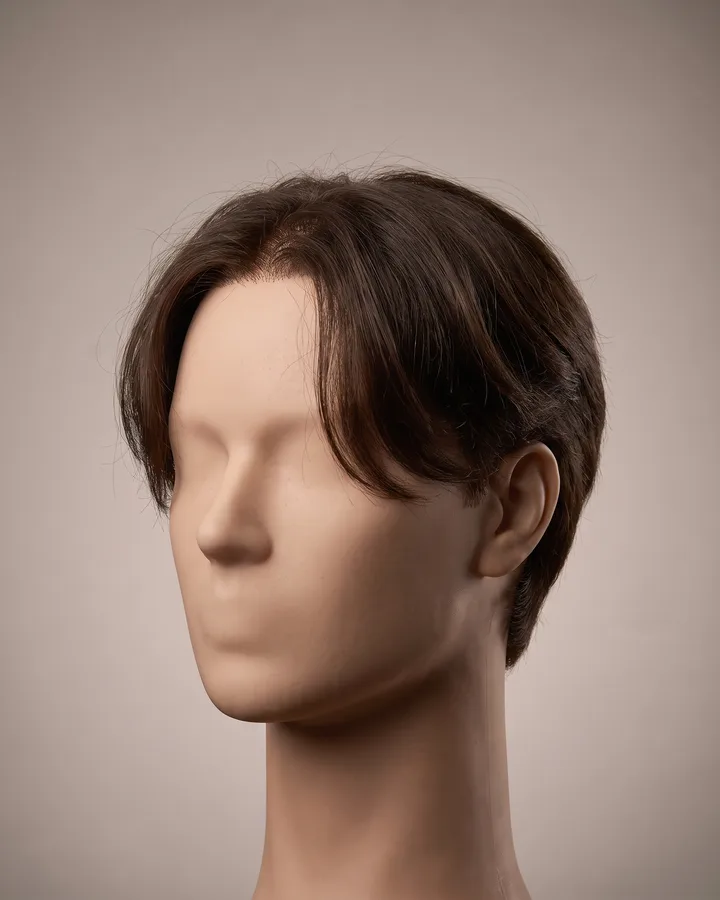
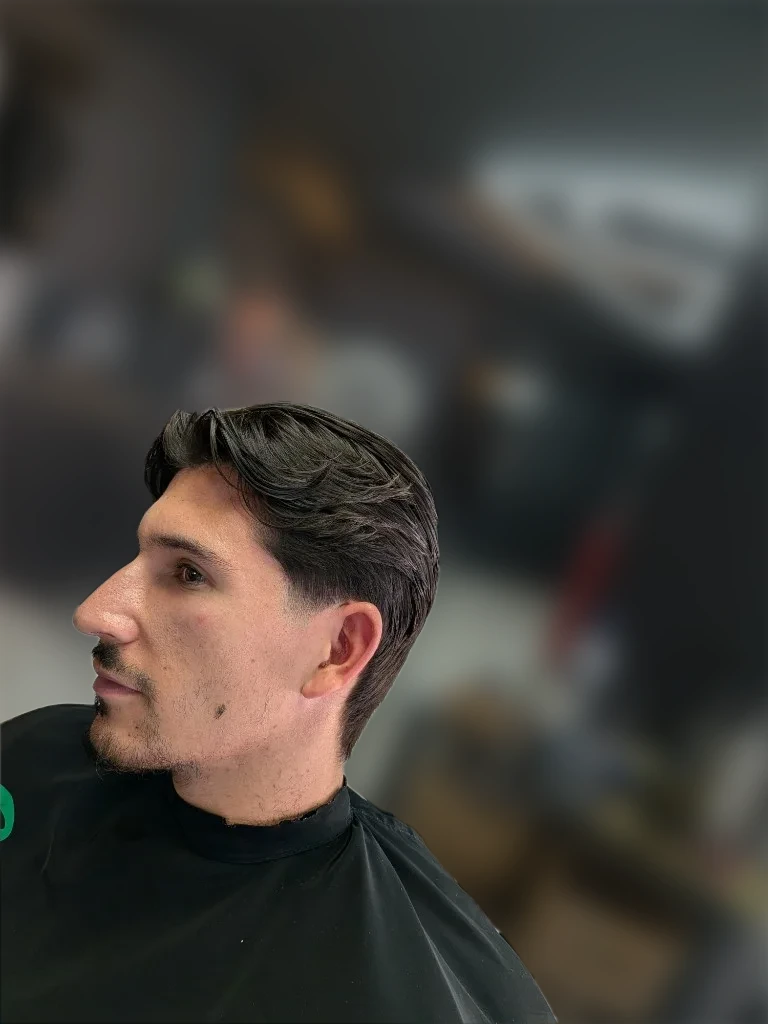
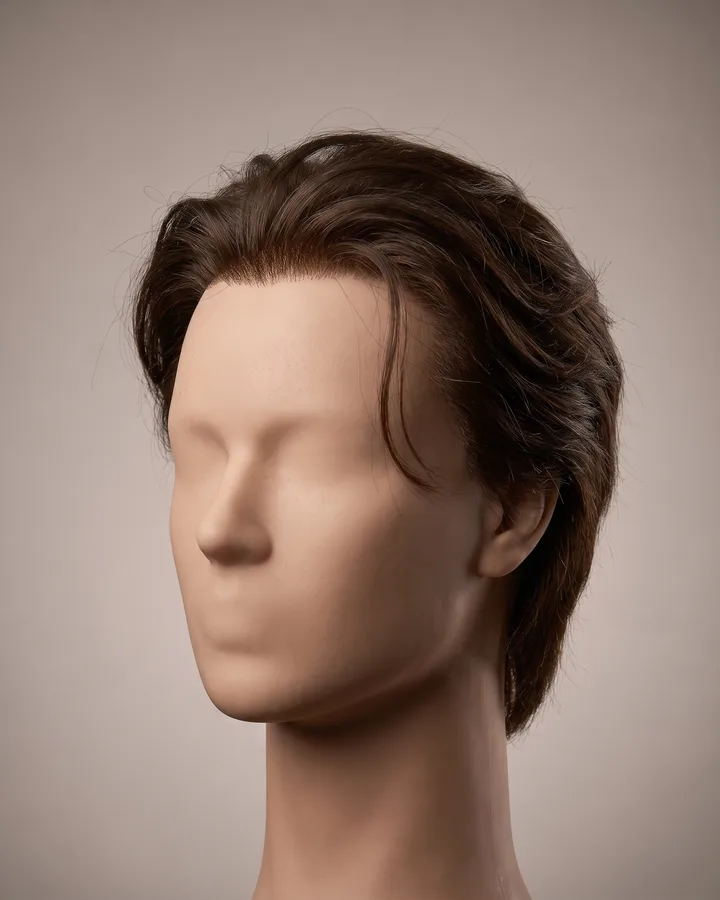
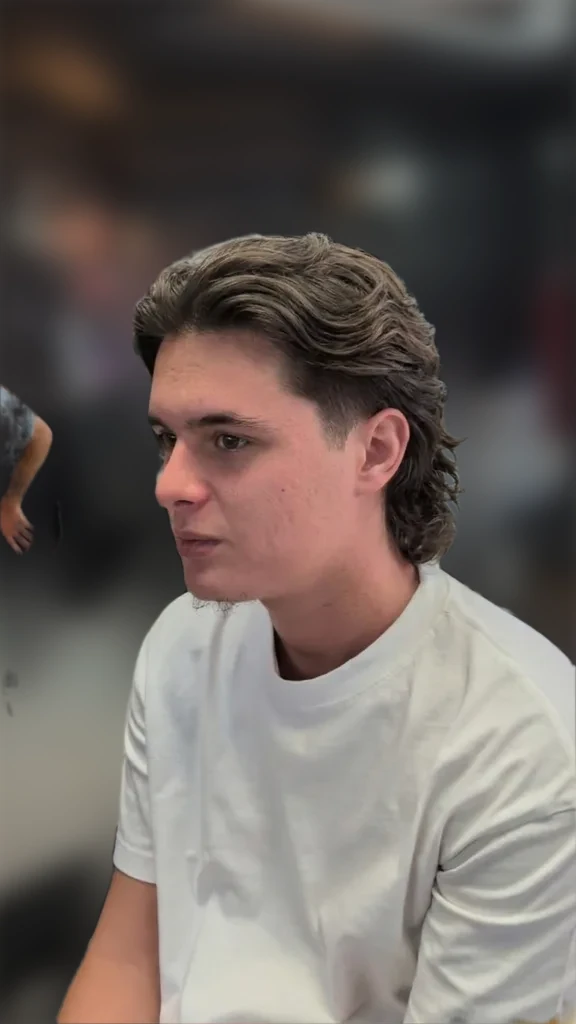
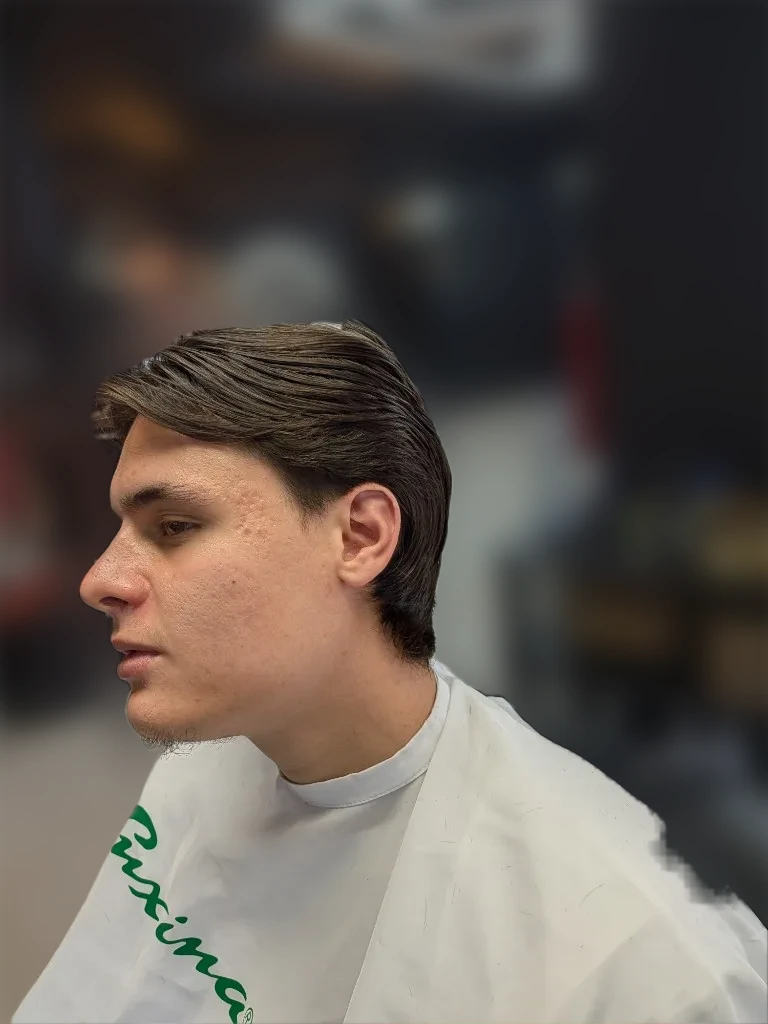
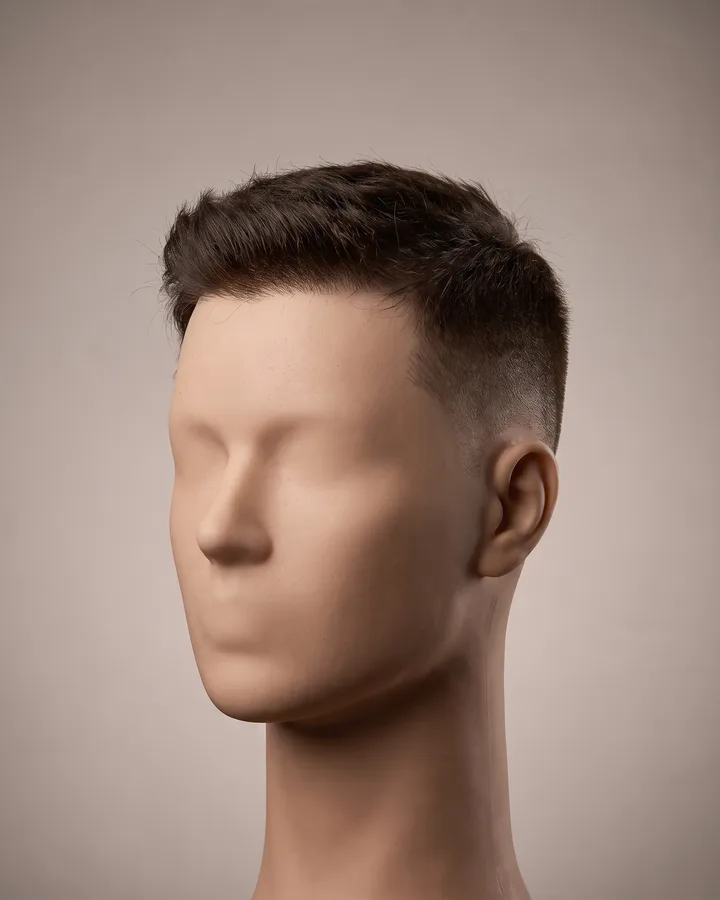
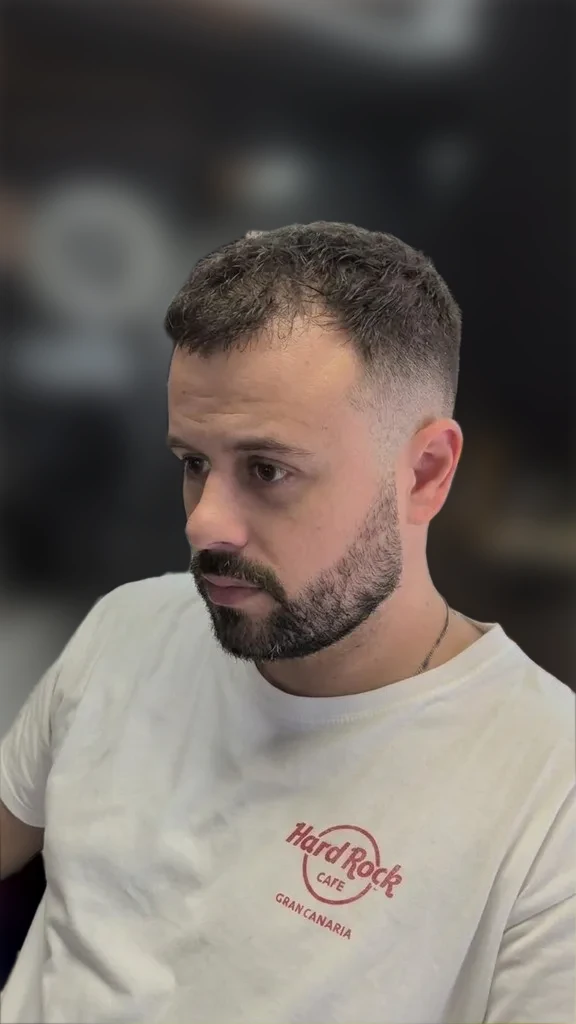
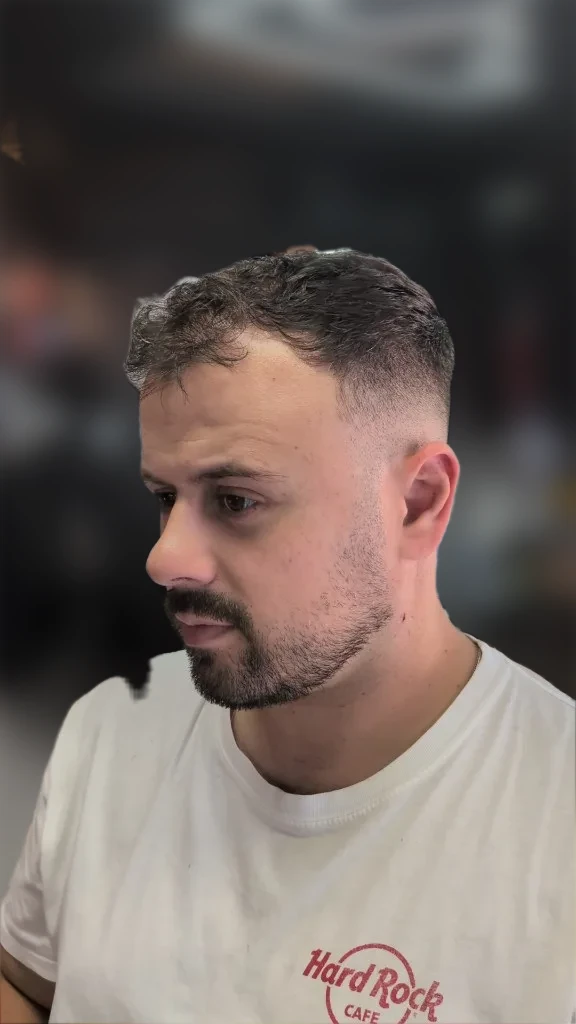
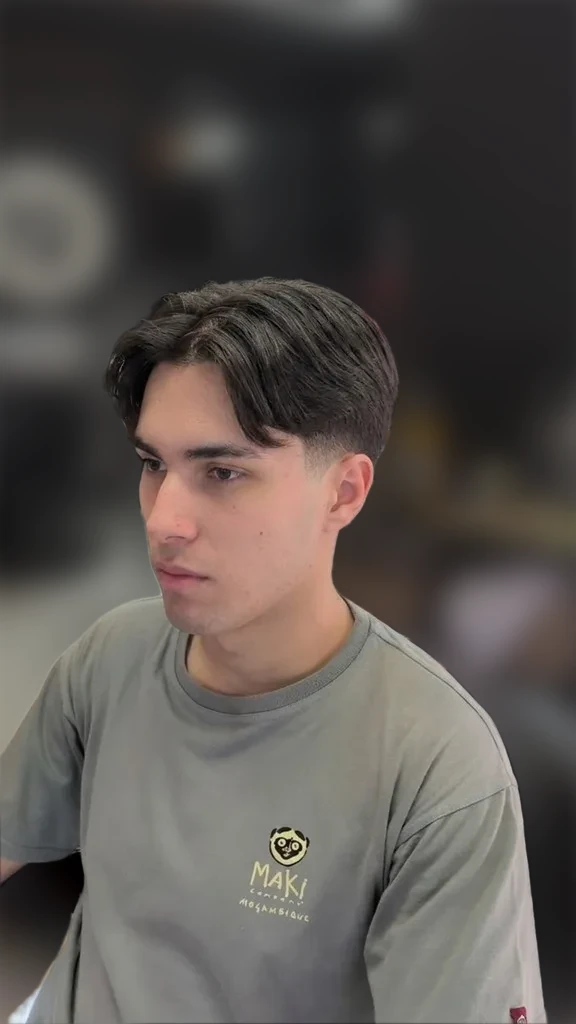
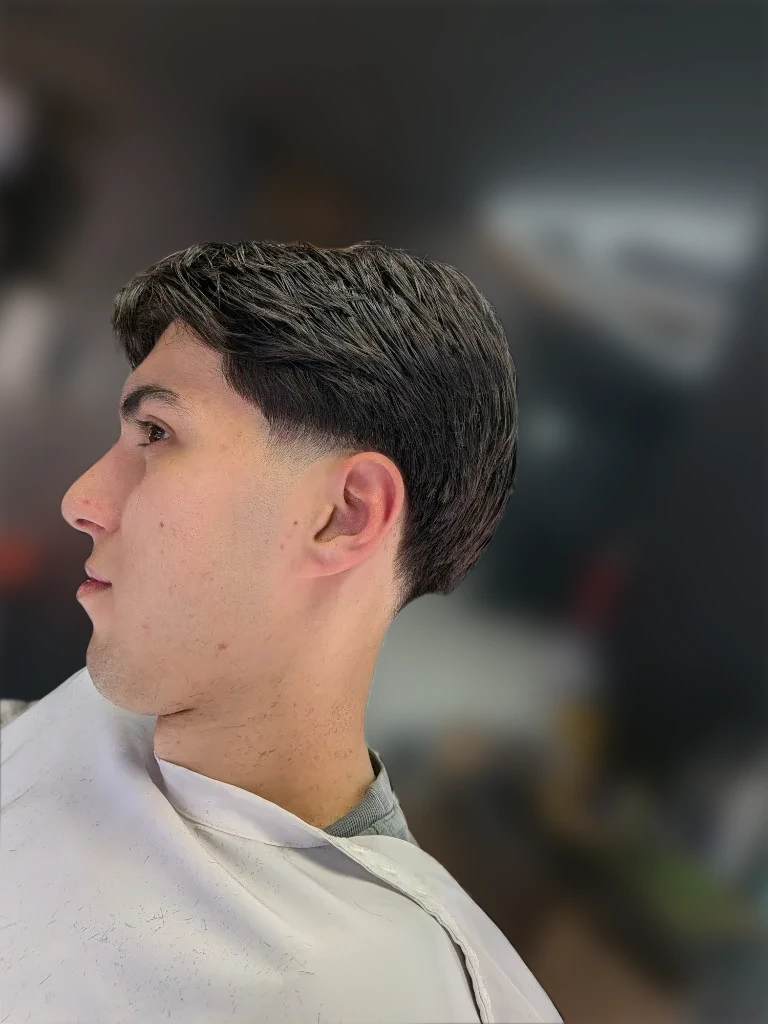
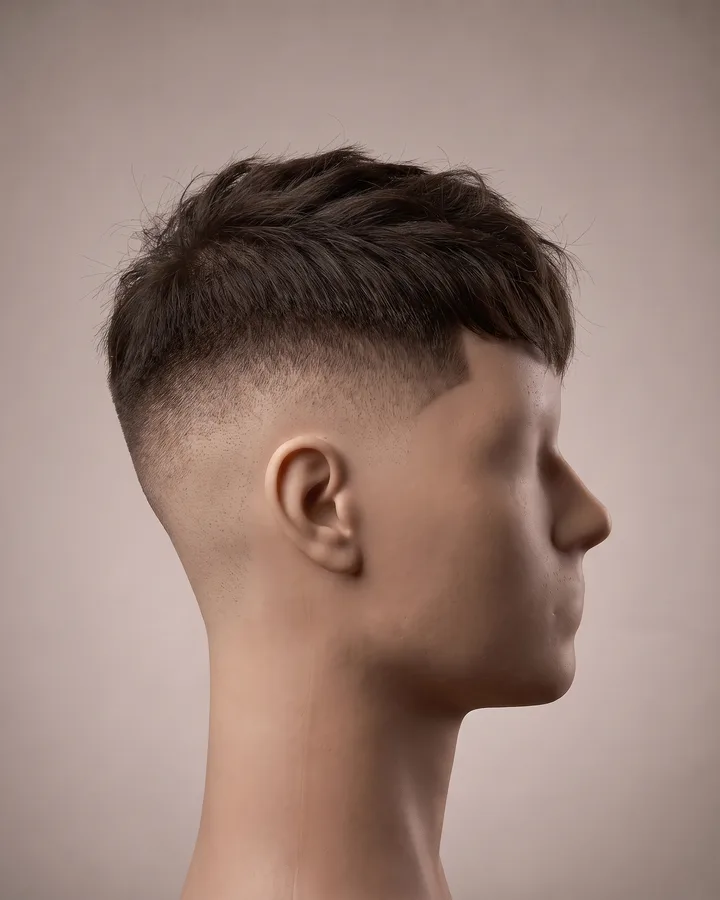
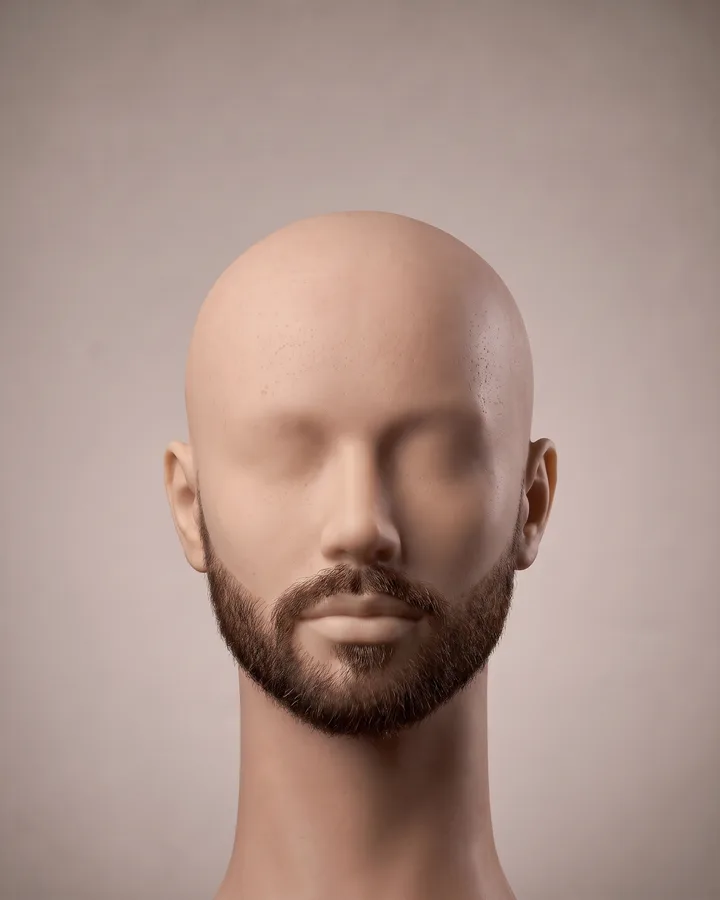
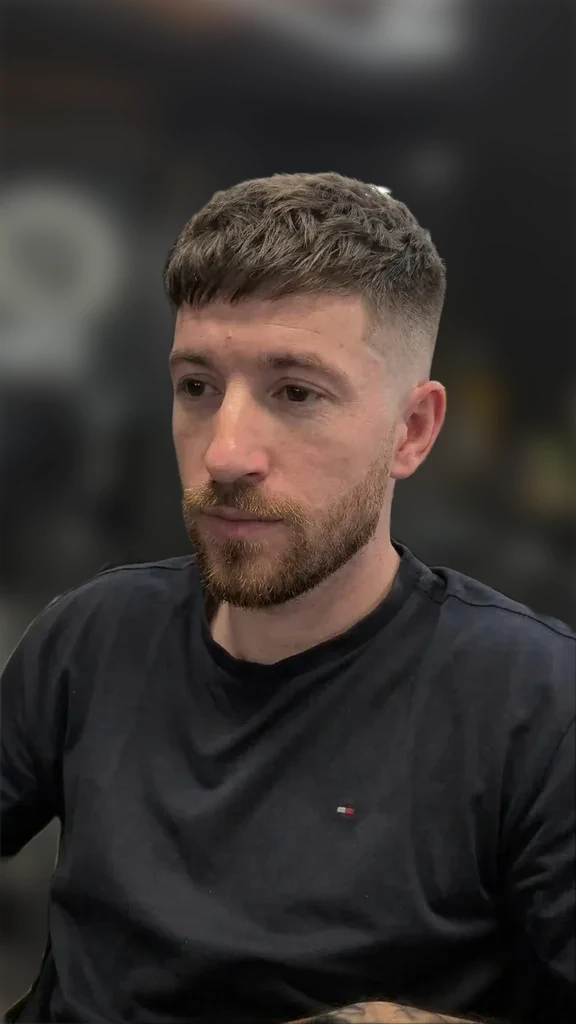
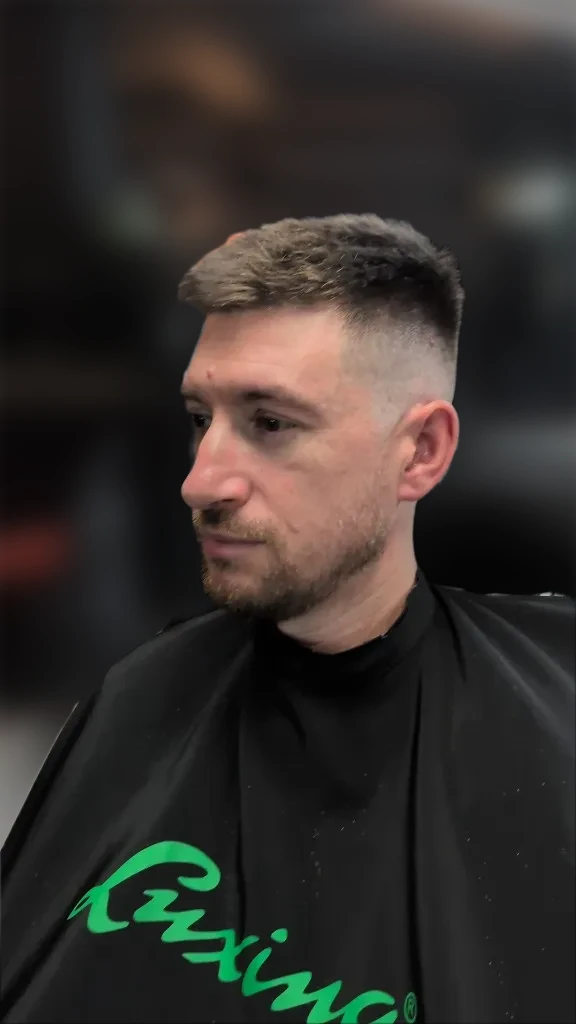
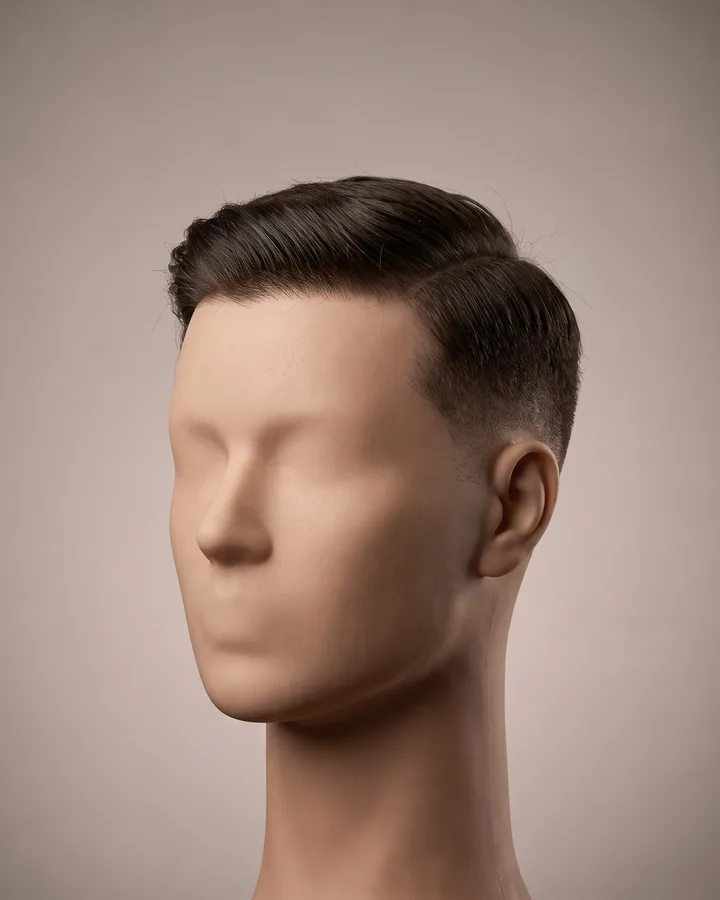
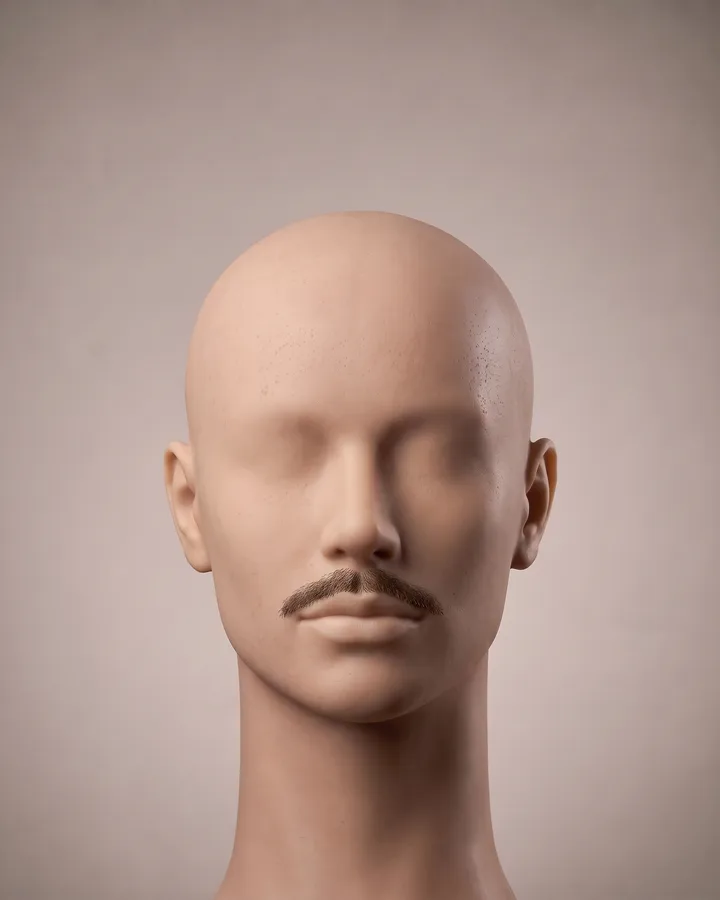
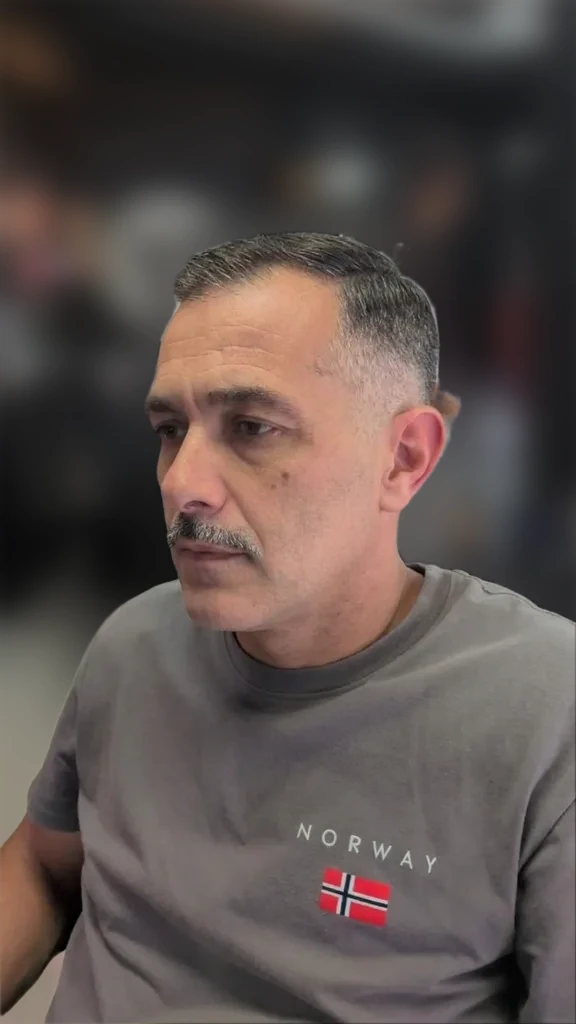
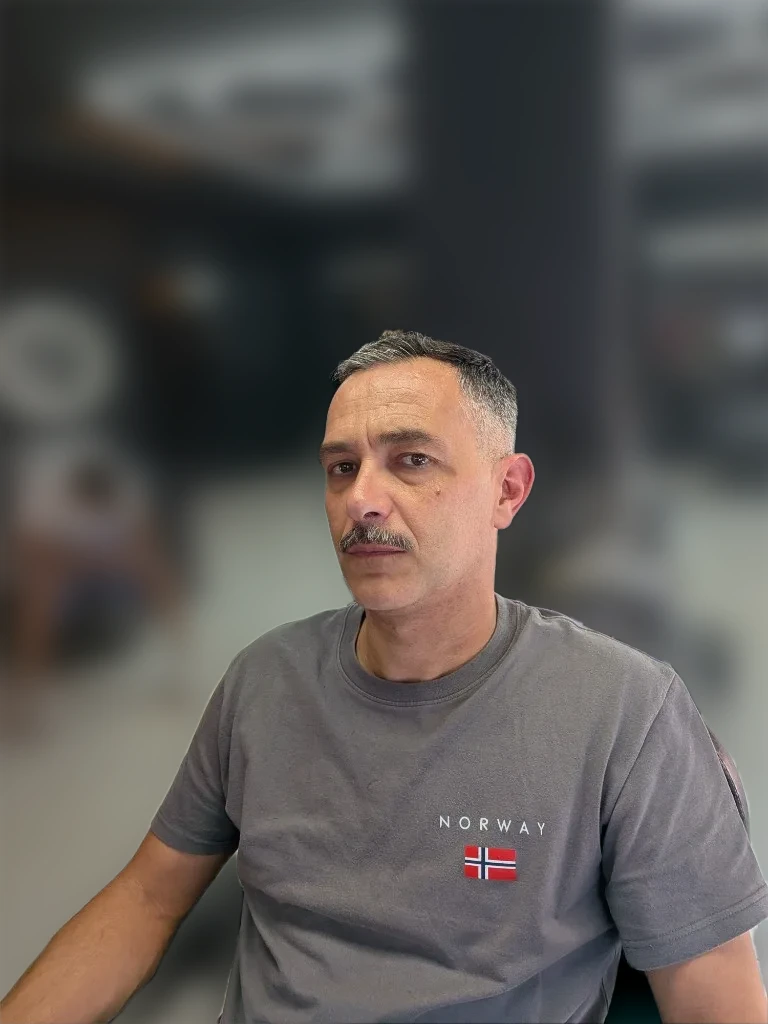
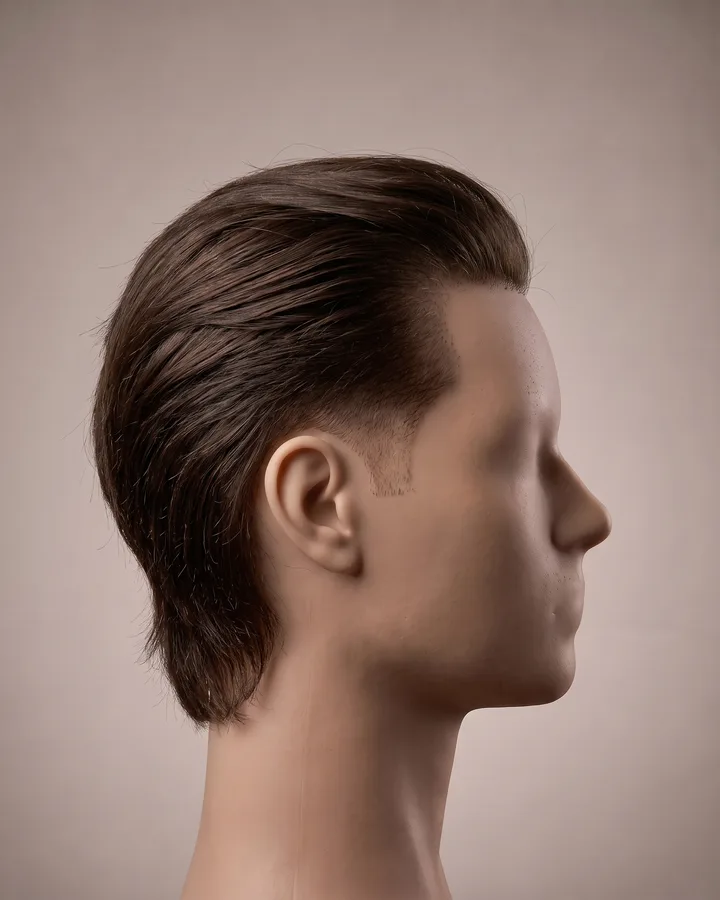
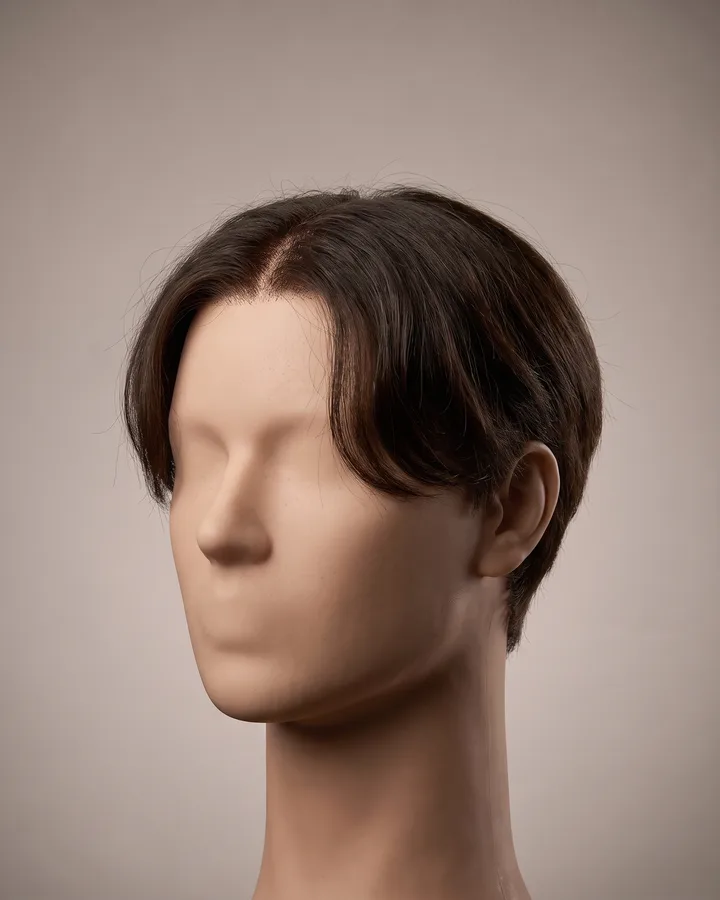
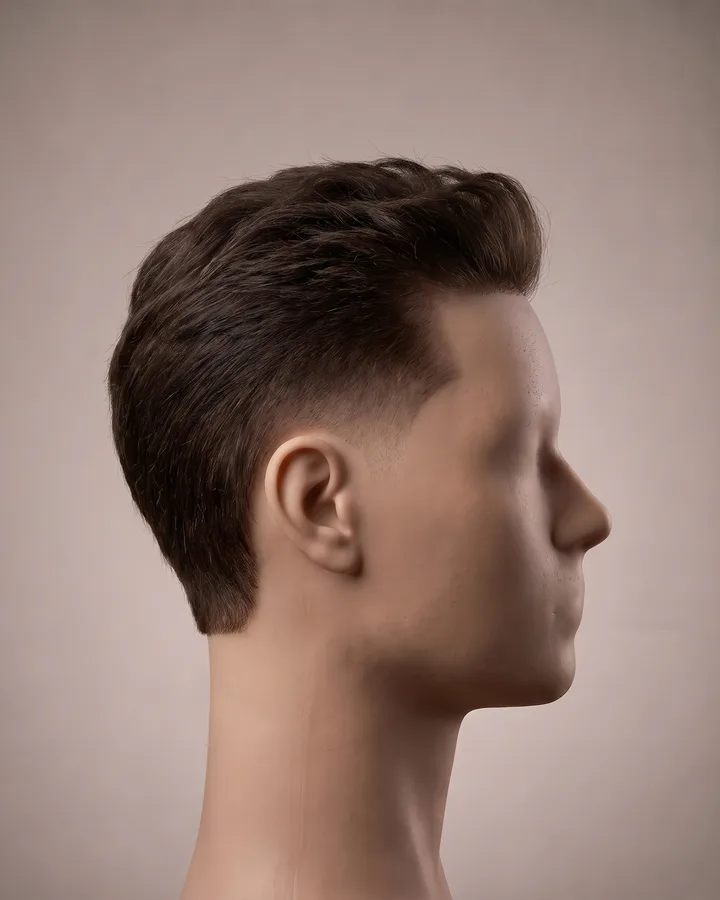
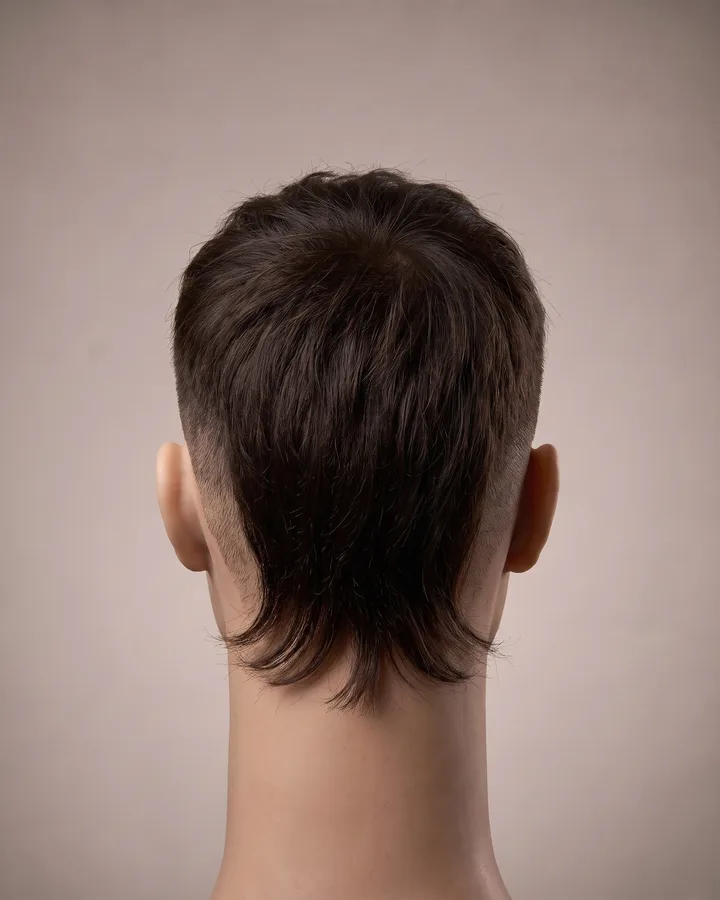

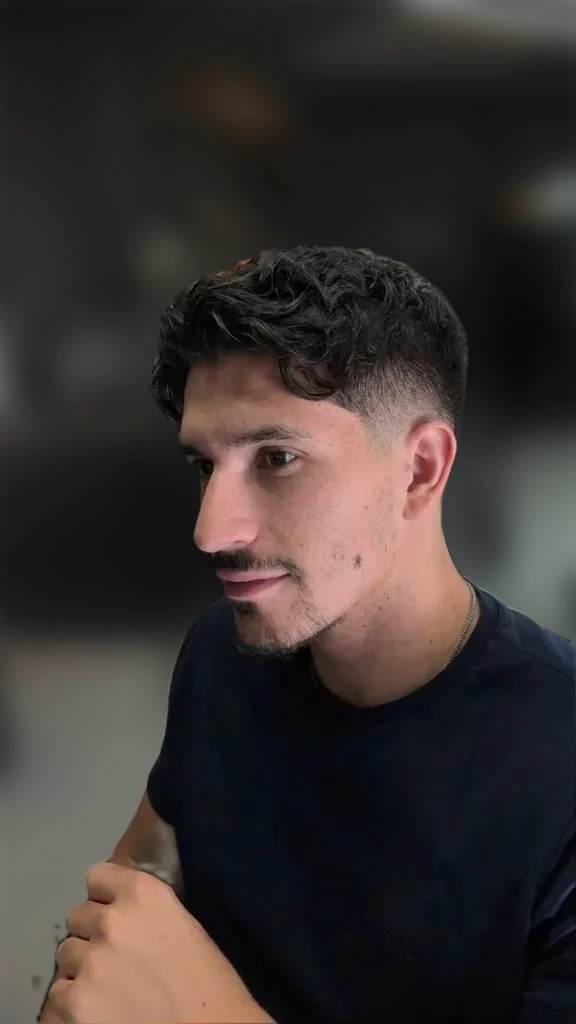
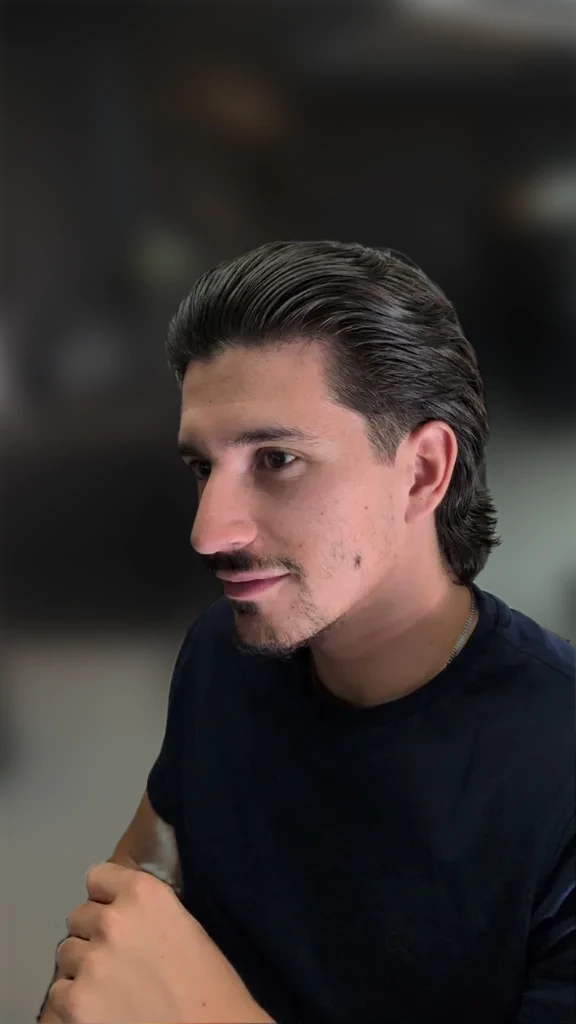 Chosen
Every lookbook works for you
No extra work. It all goes out with the lookbook you already send.
Real totals from every barber and hairdresser on CTLG, since day one.
Sell your shelf
Only the ones that suit his hair, with the price and a button to reserve.
Rebook
The weeks ahead, counted from his cut, with Book again one tap away.
Reviews
While he is still looking at the cut, with a link to your review page.
Shared
The lookbook is his to show: one link with your name on it, ready for Instagram or WhatsApp.
Each client shows his last cut, when he was last in and how often he opened his lookbook.
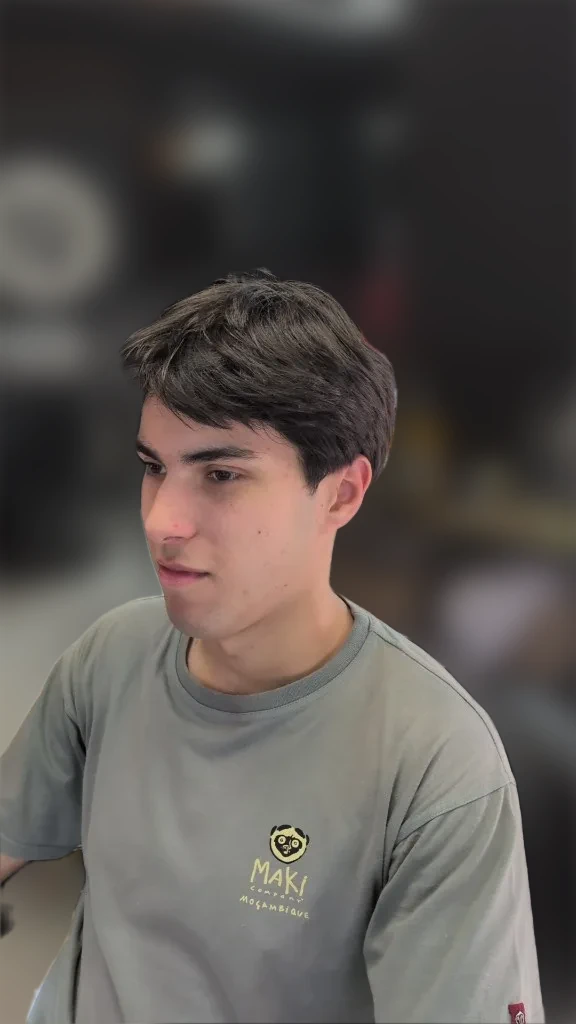
The lookbook
Every client leaves with a private link. Scroll through it with him.
See a real lookbookThe finished cut opens the page, photographed in the chair before he stands up. A photo or a live photo.
Middle part + Low taper: the top, the sides and the nape, written down. He shows it at any shop and gets the same cut.
Each step, how much to use, and the jar from your shelf with its price.
When the cut is spot on, when it starts to lose shape, and when it is time to come back.
Your booking link, your review page, your Instagram and WhatsApp, at the end of every lookbook.
Pick in Settings how your lookbooks look, from the colours to the type. Tap a style to see Tiago's page in it. And look at João's up top: it opens on the film of his cut.
Bone. Light and warm, like paper. The default.
See the whole pagePricing
Reads are free. You pay for simulations: the cut on your client's photo. A new account starts with 5 free simulations.
How many clients left this month without booking their next visit?
An example: a client who comes in every 4 weeks at €15 is worth about €195 a year. Losing just one costs more than a year of Essential (€147.60 with VAT). And two pomades sold through the lookbook pay for the month.
Prices exclude VAT: VAT (23% in Portugal) is added at checkout, so Essential comes to €12.30 a month. You create your account before paying, or sign in if you have one; you pay by card, on Stripe. Change plan or cancel in Settings → Credits.
Questions
Nothing. His lookbook is a private link that opens in any browser. You send it by WhatsApp, text or email.
By visagism. From the photo it reads the face shape and the hairline, then the texture, density and cowlicks. It suggests the cuts in the catalogue that suit the client, each with a sentence saying why. The final say is yours and your client's.
It is drawn on his own photo and labelled as an AI preview. It shows the shape of the cut, so you agree on it before you start.
Add each product once in Settings, with its type and price. Each client sees only the ones that suit his hair, at the right step of his morning.
To your own booking link, review page, Instagram and WhatsApp. You set them once, in Settings.
Essential, €10 + VAT a month for 30 simulations; Pro, €20 + VAT a month for 100 at launch; and extra credits at €5 + VAT for 10. Reads are free and a new account starts with 5 free simulations, no card.
Yes. Ask before you photograph him, as you would for any photo of his cut. The photos are yours: CTLG handles them on your behalf, only to provide the service. His lookbook is private: it only opens with the link you send him.
No. The read and the simulations are made with Google's Gemini, on a paid service: your clients' photos are not used to train or improve any model. Google keeps the requests for a limited time, only to detect abuse.
5 free simulations, no card.
A question, a demo in your chair, or would you rather we set up your account with you? Leave your details and we'll talk.